
One QR code.
A day full of memories.
Create your wedding, give your guests a camera and bring their special moments together. Here’s how wedding photo sharing with Snappyroll works.
Make room for everyone’s point of view.
Add your names and wedding date, then set up the event your guests will join. Start with a free camera so you can try the experience before inviting everyone.
See what’s included →Example setup · Your details make it yours
A little detail that belongs on your tables.
Choose a printable style, personalise your sign and download a PDF with your event’s QR code. Print it for your tables, welcome area or guest book so everyone knows where to start.
Editorial, Garden or Afterparty: choose the design that feels like your day.
 THE WEDDING OFJamie
& AlexLove, laughter & your photos.
The Garden · Sample printable sign
Explore all three designs →Scan. Smile. Save a little moment.
Place the printed signs around your venue or send guests your event link. They open the camera in their phone’s browser, with no app to download and no guest account to create.
Each guest camera has a roll of 24 shots. When you’re ready for the celebration, a Wedding Pass unlocks unlimited guest cameras.
 Jamie & Alex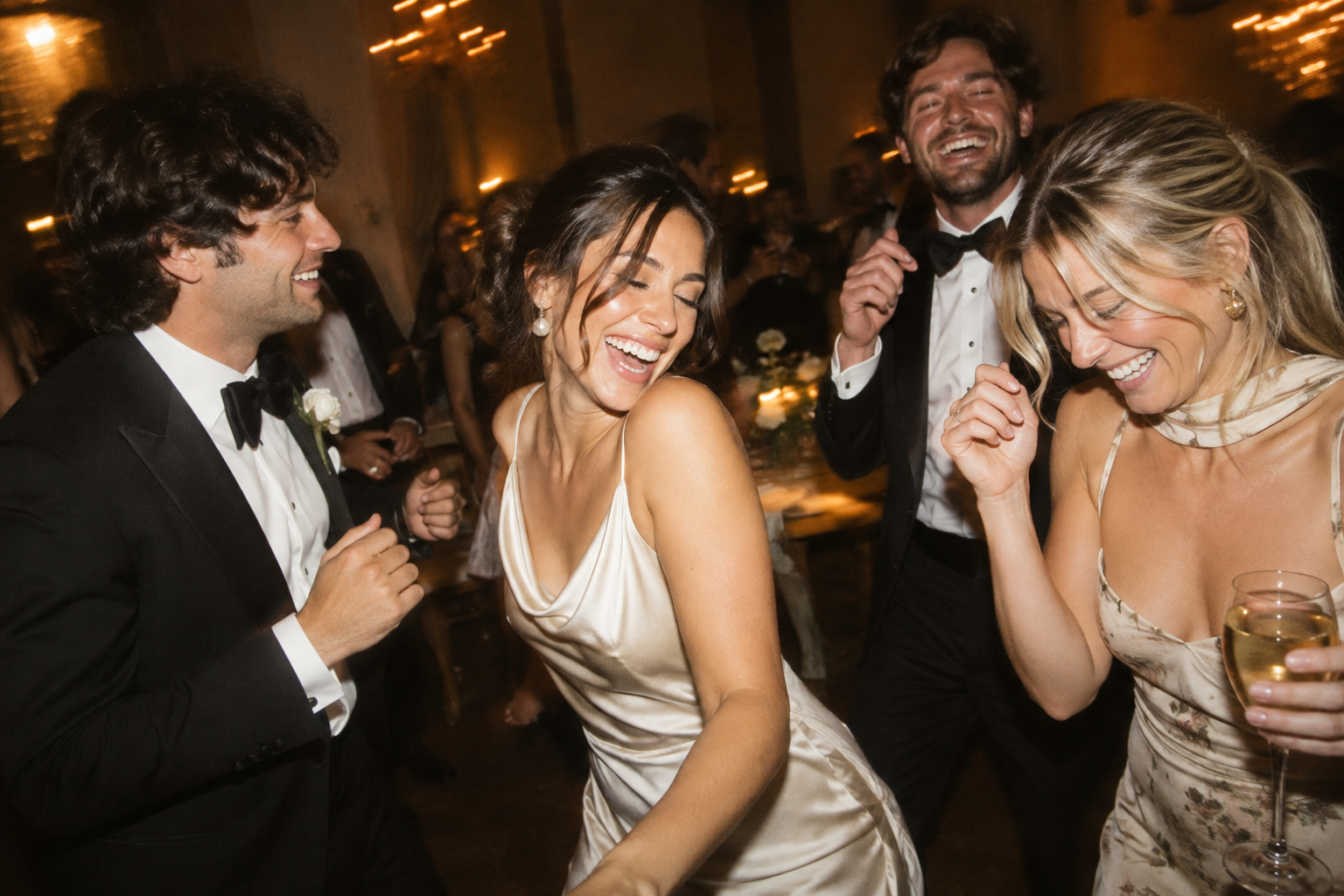
All those special moments.
Beautifully together.
Discover your day through the eyes of your favourite people. Choose a gallery design and cover, arrange photos, and hide individual images before sharing them with guests.
You control what’s visible. The Wedding Pass includes full-resolution host downloads and 90 days of gallery access, so you have time to relive the day and save your memories.